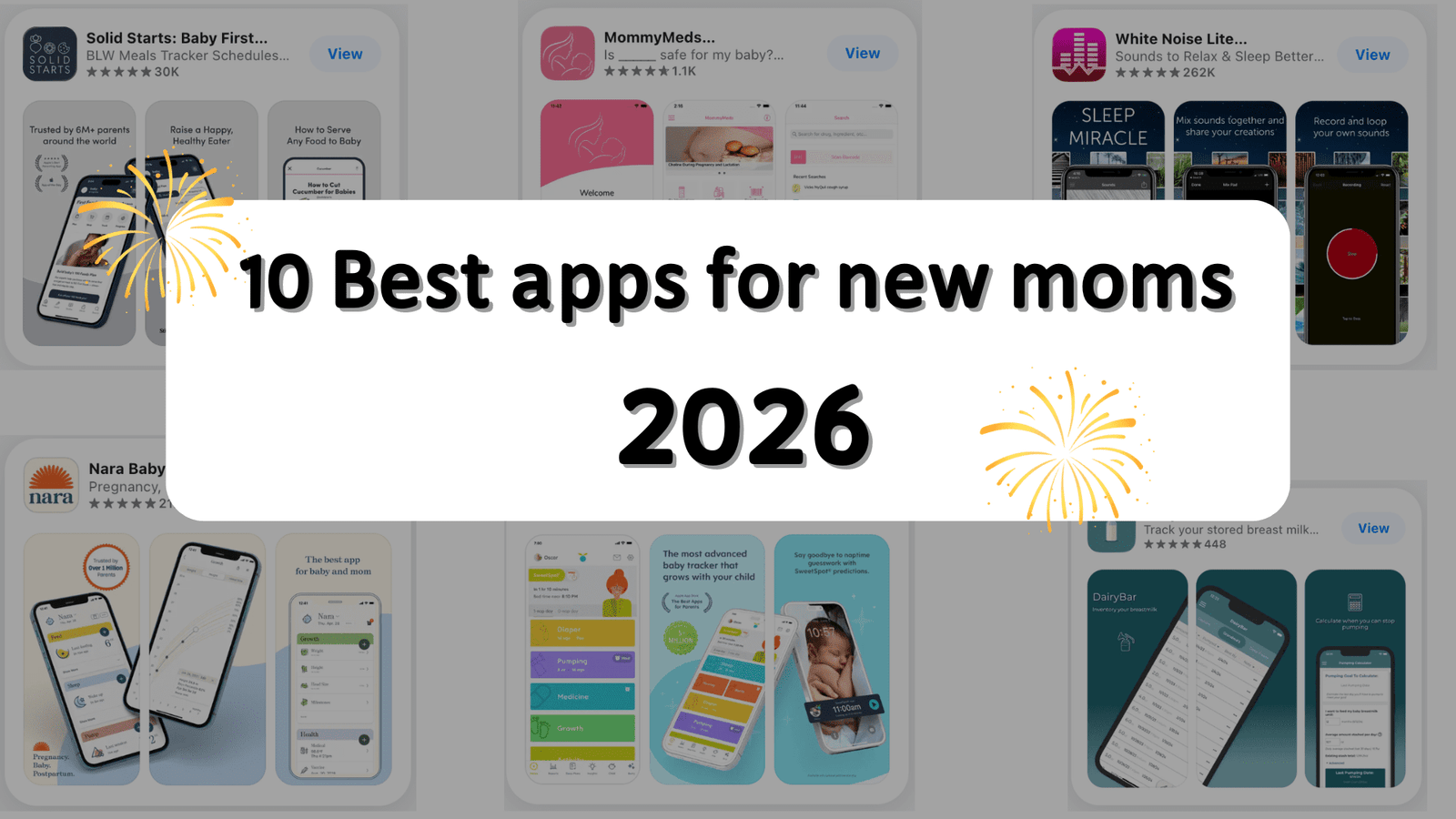
Honestly, raising a baby is busier than any job 😂—especially in the first year. When was the last feed? When was the last diaper change? Is it nap time yet? Oh… becoming a mom really makes you realize your brain has limits. Luckily, there are a lot of apps that help new parents save a little brainpower 🧠.
Below are a few apps I’ve used myself (and so have the moms around me). I’m not exaggerating when I say these apps saved us in baby’s first year.
1. Huckleberry — the best apps for new moms baby feeding and sleep
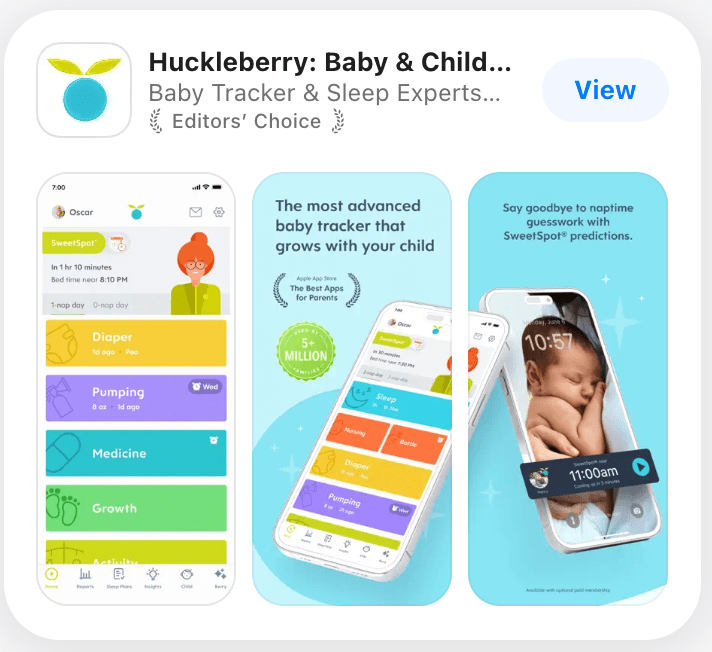
In my first month of becoming a mom, I constantly felt like I didn’t know what to do. My husband is a really good dad—he proactively changes diapers and helps the baby fall asleep—but he’s also a very “big picture” guy. Every time I asked him, “When did the baby fall asleep?” or “When was the last diaper change?” he couldn’t answer. I would get mad and blame him for not remembering. He would feel like he had already done so much, and I was ignoring all of that just to focus on his mistakes. So… things got a little tense between us.
I complained to my best friend, and she said, “Why don’t you try Huckleberry?” And you know what—Huckleberry, for me, is best for one reason: its logging is seriously complete.
1) Full logging features, especially for the newborn stage—and you can log with your partner
It lets you track feeding/diapers/sleep/meds/solids/growth—all those tiny, exhausting details—in one place. And you can share the data with your partner. Once it’s synced, whoever is on baby duty can instantly see when baby last ate/slept/had a diaper change. This is so useful 👌
2) Great for pediatrician visits—you can actually answer with real data
Doctors almost always ask: “When was the last feed?” “How long is baby sleeping?” “How many diapers per day?” If you answer based on vibes, it’s honestly very inaccurate. With Huckleberry, you can look back and summarize your baby’s real patterns with actual data.
3) “SweetSpot” is incredibly helpful
For us, Huckleberry’s “SweetSpot” was a lifesaver. It predicts your baby’s wake window so well—our second daughter would fall asleep almost every time within ±5 minutes of the predicted time. No more worrying about overtired meltdowns.
2. Nara Baby (free, simple, collaborative, no ads)
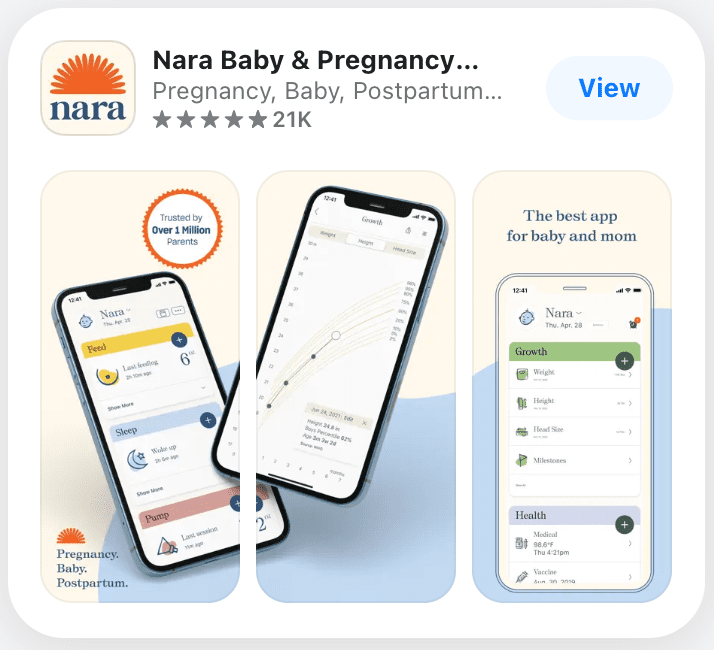
I think it’s Best apps for new moms free. I used Nara during that foggy newborn stretch, and what I noticed first wasn’t some “wow” feature—it was how little it got in my way.
Pros (what actually felt good day to day)
- It’s fast and clean to log things. At 2 a.m. I don’t want to learn an app. With Nara, logging feeds, diapers, and sleep feels like a few taps. The layout is simple, the buttons are where you expect, and it doesn’t pressure you to track everything perfectly. If I miss an entry, I don’t feel like I “failed” the app.
- Sharing with a partner genuinely reduces the “did you do it?” friction. Once we both used it, we stopped relying on half-asleep memory. Whoever was on duty just logged it, and the other person could check later without interrogating. It didn’t make us better parents—it just made handoffs smoother.
- Free + no ads is a big deal when you’re already overwhelmed.
Postpartum, my patience for pop-ups and paywalls is basically zero. Nara felt quiet: it did what I needed without constantly nudging me to upgrade or distracting me with ads.
Con (the one thing that still bugged me)
Breastfeeding timing/visibility could be smoother. Feeding isn’t a neat, uninterrupted timer—there’s burping, side switching, diaper changes, a baby falling asleep and waking up again. Sometimes I wished the timing/summary handled that real-life mess a bit better (and that it was easier to quickly confirm what’s currently running at a glance). It’s not a dealbreaker, but when you’re exhausted, small friction feels bigger.
3. Baby Tracker (a more minimalist baby app)
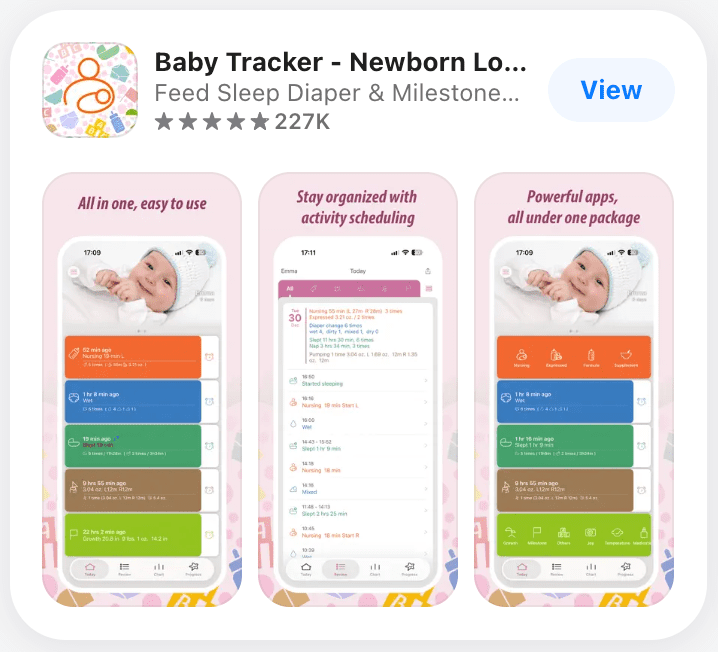
Pros (what felt different vs. Huckleberry / Nara)
- It’s a true logbook—no constant “sleep advice” vibe.
Huckleberry is great if you want guidance (SweetSpot, wake windows, etc.). With Baby Tracker, I never felt like the app was steering the day. It’s more like, “Tell me what happened, and I’ll keep it organized.” - The “data belongs to you” part is real: export + print.
This is the one thing Baby Tracker does that I don’t see emphasized the same way in the others: you can export your logs (PDF via email) and even print directly. When you’re heading to a pediatrician visit or trying to look back on a rough week, having a clean document you can share or save feels… weirdly calming. - Backup/transfer options feel built for real life (not just “hope it syncs”).
Between iCloud/Dropbox backups and even AirDrop cloning to another device, it’s more robust than a typical “sign in and pray” setup. If you’re switching phones, adding another caregiver device, or you just don’t want to lose months of logs, that matters.
The tradeoff (what you give up)
It’s less “hand-holding” than Huckleberry, and less “quiet + free + ad-free” as a selling point than Nara.
Baby Tracker’s strength is structured logging and portability of data—not predicting naps for you or feeling like a minimalist free companion. If you want the app to actively tell you what to do next, Huckleberry may feel more supportive. If you want something that’s praised specifically for being totally free and ad-free, Nara is often the one people highlight. Baby Tracker sits in a more practical, log-first lane.
4. CDC’s Milestone (Best baby apps for development)
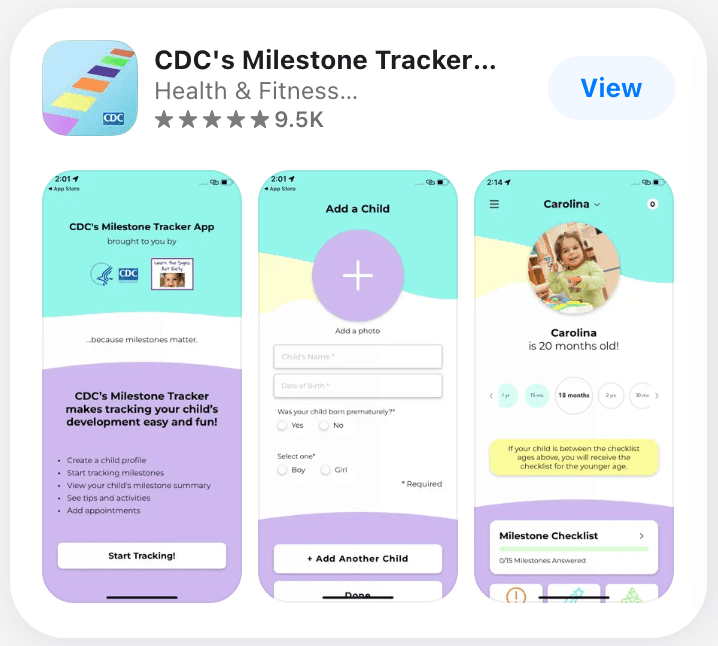
I used the CDC Milestone Tracker more like a “check-in” tool .
Pros (what actually felt helpful)
- It’s genuinely easy to understand, and it serves you the right milestones by age.
The interface is simple, and it doesn’t feel like you need a manual. You open it, pick your child’s age range, and it walks you through what to look for. - It’s great if you have a preemie because it supports adjusted age.
the app works well for premature babies by using adjusted age. - The videos + the summary you can share with your pediatrician are the “real value.”
The short video examples make it easier to understand what a milestone actually looks like (instead of guessing). And after you fill things out, the app generates a summary you can email/share with your doctor, which is honestly the most practical part.
Cons (what can feel stressful)
It can flag “missing milestones” in a way that feels too aggressive and creates anxiety. One reviewer (a parent and a family doctor) called out that if a child misses even one item in a set, the app may repeatedly label it as “missing milestones” and urge medical follow-up—something that can freak parents out even when a child is still within a normal range of variation.
“very comprehensive and can help you prepare for your doctor’s appointments.”
5. Solid Starts (a must-have once you start solids)
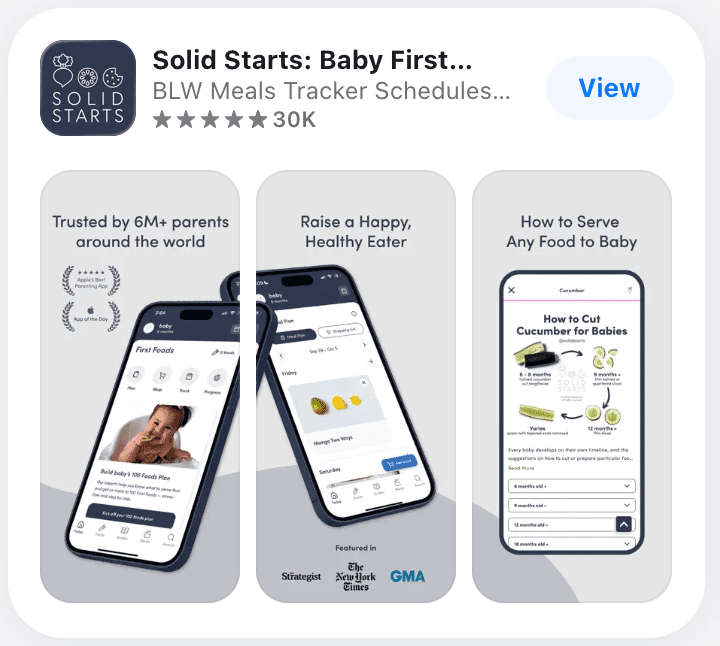
I started using Solid Starts right when solids stopped feeling “cute” and started feeling… stressful.
Pros (what actually helped)
- The “how to serve it” guidance is incredibly visual and practical.
The biggest win is how clearly it shows you exactly how to prepare and cut foods by age. When you’re standing in the kitchen thinking, “Can they have this? How do I cut it?”, the app answers that fast in a way that’s hard to misinterpret. - It feels science-based, but not overwhelming.
being evidence-driven and still easy to apply—especially around things like allergens and expanding variety. It’s not just “nutrition talk,” it’s “here’s what to do next.” - Tracking foods (especially allergens) gives you peace of mind.
it is to track what your baby has tried—particularly when you’re introducing allergens and want to keep it organized without relying on memory.
Cons (what can be frustrating)
The app experience can feel glitchy—sometimes updates make it worse.
6. MommyMeds (Best pregnancy apps for new moms)
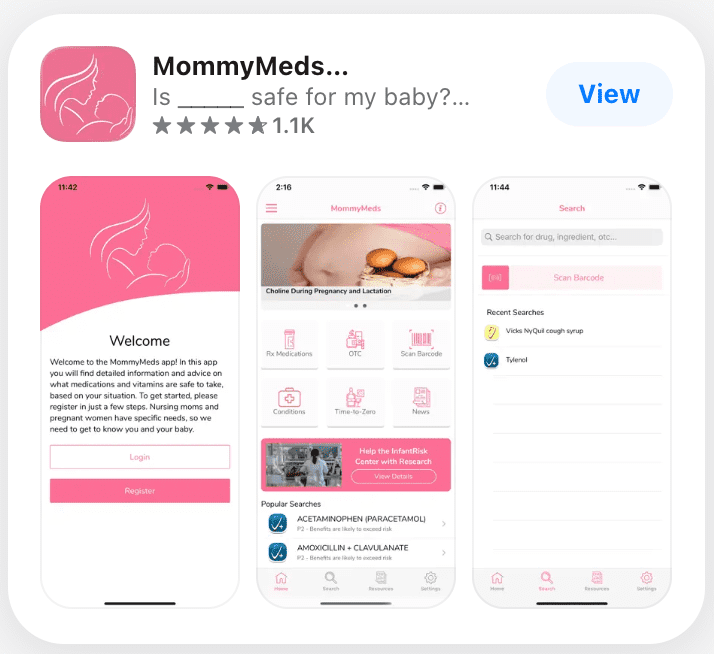
I downloaded MommyMeds because I was tired of the “Google spiral.” Every time I needed to take anything—cold meds, allergy meds, pain relief—I’d end up with ten tabs open and zero confidence. This app felt like a way to get a clear answer .
Pros (what actually helped)
- It reduces the guesswork fast.
The best part is how quickly you can check whether a medication is considered compatible with pregnancy or breastfeeding. it’s more reassuring than random internet advice because it gives a direct, usable conclusion. - People trust it because it’s tied to a research-based source.
the app as coming from a credible, research-driven place. - It’s practical for pregnancy because it considers timing.
it can be used with pregnancy stages (like trimester context), which matters because “safe” isn’t always a single yes/no for the entire pregnancy.
Cons (what can be frustrating)
The database/search experience isn’t always smooth or complete.
This is the main complaint: sometimes a medication isn’t in the database, or the info feels incomplete, and you end up back at PubMed or other sources anyway.
7. DoorDash (the app that lets Mom actually eat)
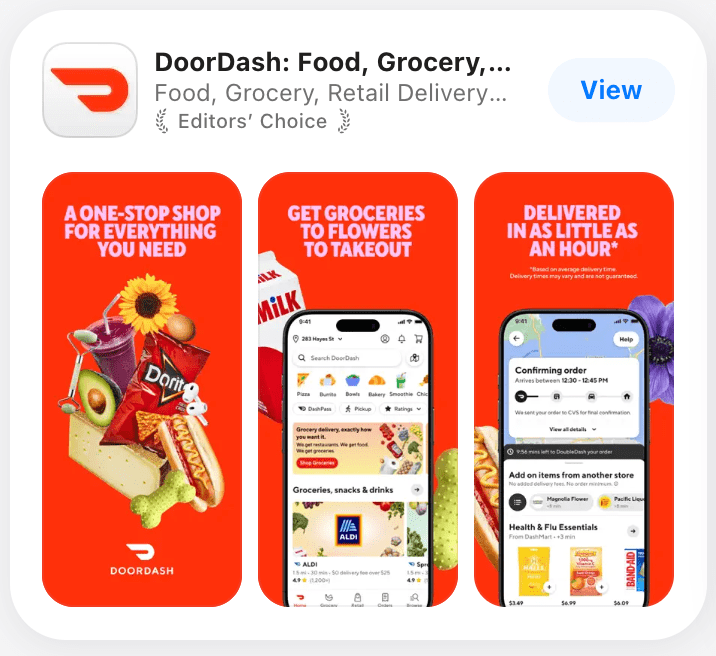
DoorDash Okay, Mom can finally eat.
Pros (what people genuinely like)
- It’s extremely convenient—food and groceries without thinking too hard.
DoorDash is easy to rely on when you don’t have time or energy. Being able to order meals (and even groceries) from your phone is the whole value proposition. - easy to use.
Some reviewers specifically call it . When you’re tired and just trying to place an order quickly, “well-designed and straightforward” matters more.
Cons (where the pain shows up)
- Delivery accuracy can be hit-or-miss.
One of the most common frustrations is simple but maddening: food being dropped at the wrong place, or drivers not following directions well—so you end up tracking down your order. - The app can get glitchy at the worst times (maps + chat especially).
Switching between the map and messaging being buggy, and needing too many taps to get back to the active order view. When you’re trying to fix a delivery issue in real time, that friction is brutal.
8. DairyBar (a must-have for pumping moms)
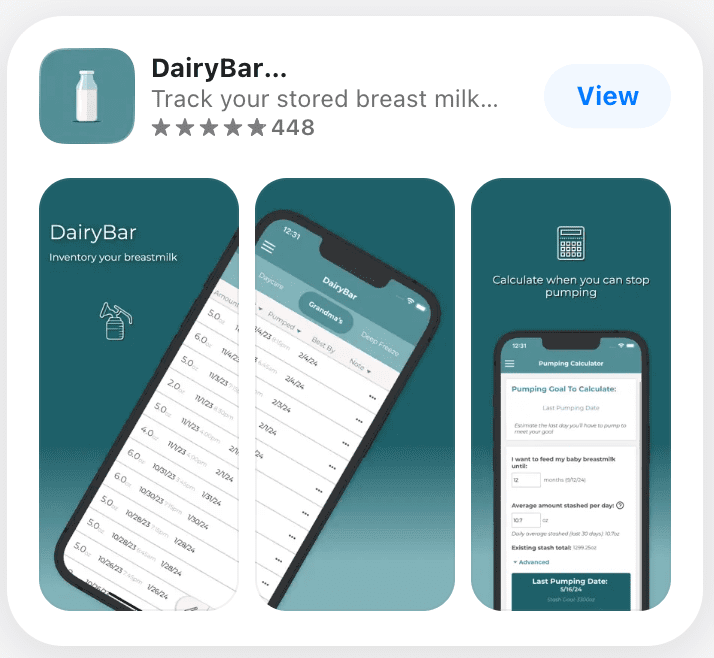
To be honest, I’ve never used DairyBar because I haven’t had the chance; I don’t even produce enough milk for my baby. But my former colleague, who has an amazing milk production capacity, has used it.
Pros (what feels genuinely useful)
1) It treats your milk like real inventory, not just a note list.
it doesn’t stop at “I pumped X ounces.” It lets you track milk across different places (fridge, freezer, deep freeze, cooler bag, etc.), see totals by location, and even estimate how long your stash will last based on daily use.
2) The pump → transfer → feed workflow actually makes sense.
it is to track milk as it moves through your real routine—like deep freeze → freezer → fridge → baby—so you’re not guessing what’s oldest or what you should pull next. It helps you keep the “use first” logic straight without thinking too hard.
Cons (what can be frustrating)
The most consistent complaint isn’t about the core idea, it’s about moments where the numbers don’t match what you expected—especially with more complex routines (like pitcher method, partial usage, then freezing the rest).
9. White Noise Lite (white noise / soothing sleep)
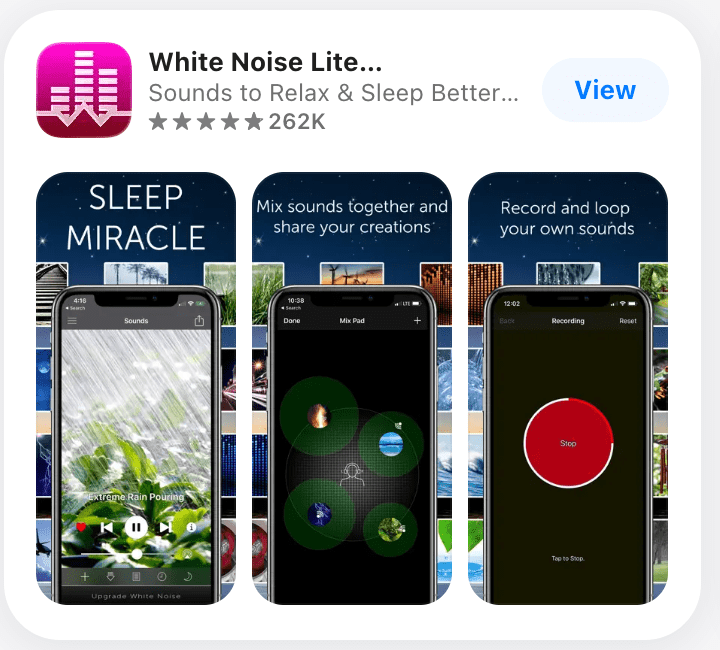
It’s genuinely helpful for newborns who are light sleepers and startle easily (and for parents who get woken up by the baby).
Pros (what felt genuinely useful)
- It does the job: it covers “little noises” and helps everyone sleep.
The rain sounds (especially the rainstorm-style ones) are the kind that don’t feel sharp or annoying, and they’re really good at masking the tiny stuff—doors, floor creaks, a neighbor’s car, the dog moving around. - The free version is actually usable.
A lot of apps tease you with one sound and lock the rest behind a paywall. This one gives you enough to work with. - The small extras are nice when you’re using it every day.
Background play, timers/alarms, and even the bedside clock feature.
Cons (the thing that can annoy you)
Ads.
It’s a Lite version, so yeah—ads are part of it unless you upgrade. If you’re using it every single night, that can get old.
10. FamilyAlbum (family photo sharing — private, organized by month)
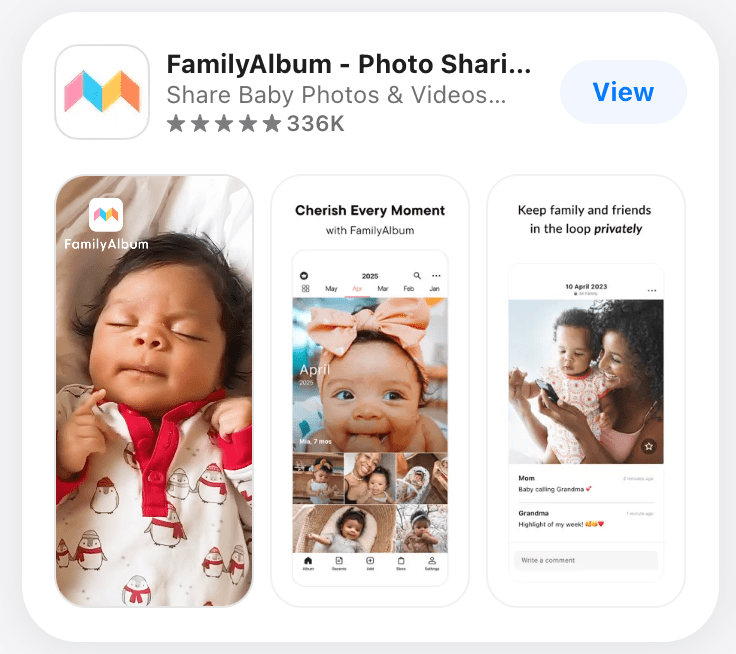
I started using FamilyAlbum because I didn’t want to text the same video to five relatives. I just wanted one spot where the people who actually care could keep up.
Pros (what feels genuinely good)
- Sharing with family is effortless—and it doesn’t feel “public.”
You upload once, family gets the update, and you’re done. - It’s actually usable for grandparents.
This sounds small, but it’s huge, older relatives can figure it out. - The “memory” features are a sweet bonus (monthly/quarterly videos).
The auto-generated monthly/quarterly recap videos and the ability to edit them. It’s one of those features you don’t expect to care about… until you get a little highlight reel without doing any work. - It doesn’t pressure you to buy things.
Cons (the frustrating part)
Video uploads can be unreliable.
At the end of the day, none of these apps make parenting “easy.” They just make it a little less chaotic.
If you’re in the newborn trenches right now—sleep-deprived, overstimulated, and running on coffee and vibes—please don’t feel like you have to download all ten. Pick the one problem that’s draining you the most:
- If you keep forgetting feeds/diapers/sleep → start with Huckleberry / Nara / Baby Tracker
- If solids are stressing you out → Solid Starts
- If you’re spiraling over meds → MommyMeds
- If sleep is getting wrecked by every tiny noise → White Noise Lite
- If you just need to eat something warm today → DoorDash
- If grandparents keep asking for photos → FamilyAlbum
And honestly? If you’re already doing your best, you’re doing enough. These apps are here to save your brain—not to add more pressure. 🧠🤍
about me:From a high-achieving entrepreneur to a full-time mom of two, I’ve traded business meetings for diaper changes and daily chaos. After navigating the steep learning curve of motherhood—from postpartum recovery to the “two under two” struggle—I founded this blog to keep the light on for other moms. I apply my professional problem-solving skills to offer real, unfiltered survival guides and “mom hacks.” This is a space for honest solidarity, proving your value isn’t lost at home. Let’s navigate the pitfalls and joys of motherhood together—one practical tip at a time.
Reviewed and Approved by Dr. Jieqiong Liu, PhD, whose primary research focuses on Pediatric Medicine.